Screen Printing Materials: Essential Supplies and How to Choose Them
Learn which screen printing materials you need, how to choose mesh, inks and emulsions, and what to check before ordering supplies for your print shop.Screen printing materials include screen mesh, frames, stencil materials, inks, squeegees, printing substrates, and cleaning supplies. These items work together to transfer a design through a mesh stencil onto a surface.
Choosing the right combination matters more than buying each item separately. Your ink must suit the substrate, your stencil must resist the ink and cleaning chemistry, and your screen must support the detail and ink deposit your design requires.
This guide explains the essential screen printing supplies, how to match them to a job, and what to check before placing an order.
What Materials Do You Need for Screen Printing?
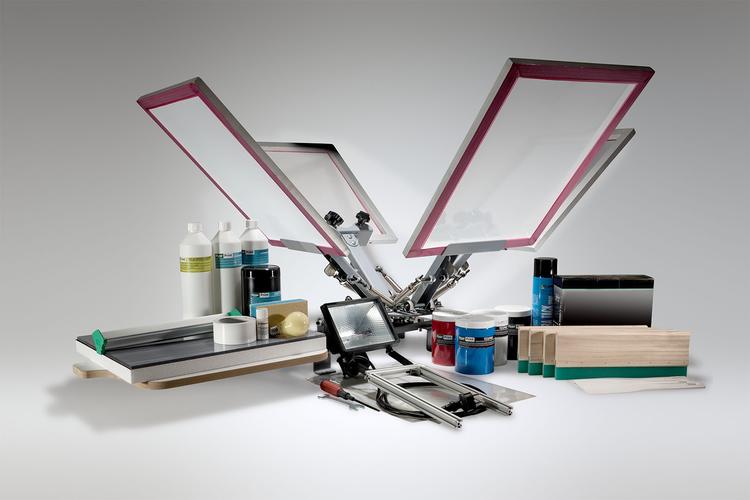
For a conventional photo-emulsion screen printing workflow, start with the following checklist.
| Material or supply | Main purpose | What to check |
|---|---|---|
| Screen mesh and frame | Support the stencil and control ink transfer | Mesh specification, tension, frame size |
| Photo emulsion or stencil film | Create the printable image | Ink compatibility and exposure requirements |
| Film positive | Carry the artwork for film-based exposure | Image opacity, sharpness, printer compatibility |
| Screen printing ink | Form the printed design | Substrate compatibility and curing instructions |
| Squeegee | Push ink through the stencil | Blade condition, hardness, width |
| Screen tape | Seal non-image areas | Adhesion and removal characteristics |
| Printing substrate | Receive the design | Composition, surface, color, heat tolerance |
| Cleaning and reclaiming supplies | Prepare and reuse screens | Compatibility with ink, stencil, and mesh |
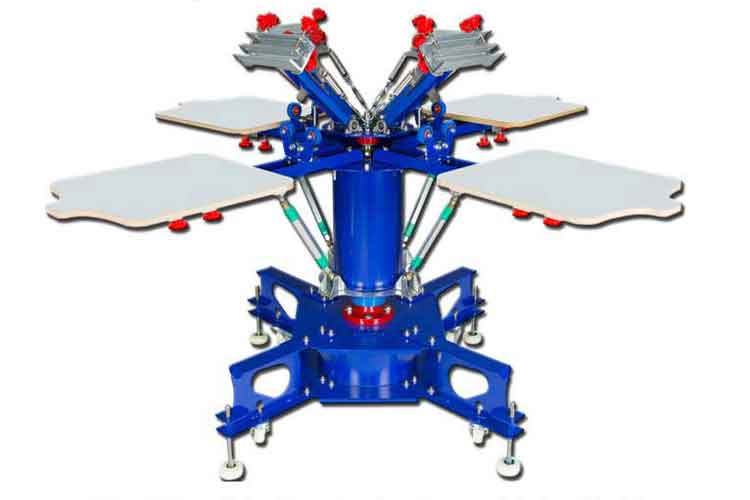
A scoop coater applies liquid emulsion, while pallet adhesive helps hold garments in position. Equipment such as a press, exposure unit, washout station, and curing system supports the process but should be budgeted separately from consumable supplies. Vastex’s supplies guide explains the roles of these common tools and chemicals.
1. Screen Mesh and Frames
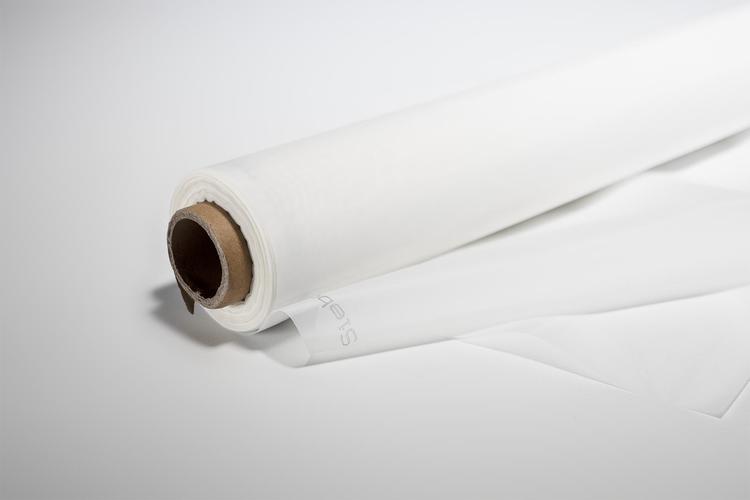
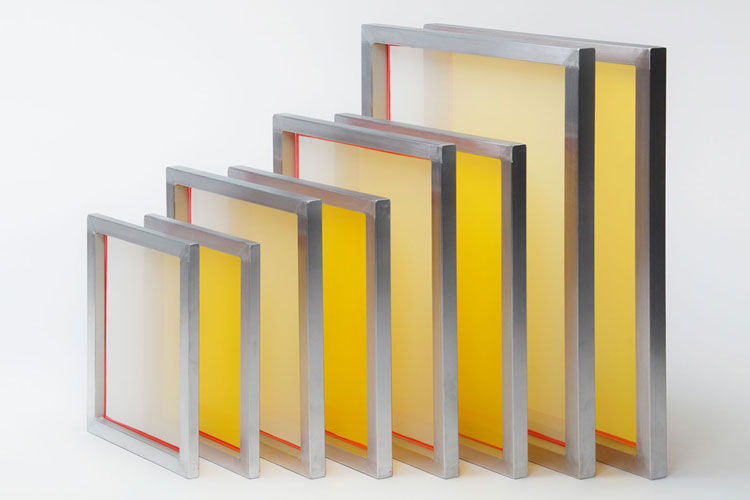
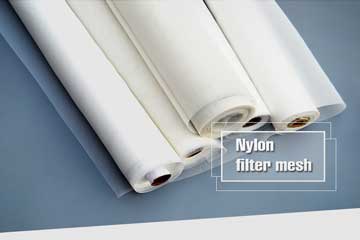
The screen holds the stencil in position while ink passes through its open areas. For garment printing, screens commonly use polyester mesh stretched over a wood or aluminum frame.
How do you choose a mesh count?
Mesh count influences the balance between ink deposit and printable detail. Lower counts generally allow a heavier deposit, while higher counts are commonly used for finer artwork.
As a broad garment-printing starting point:
| Mesh count, threads per inch | Typical starting application |
|---|---|
| 110–156 | Bold artwork and heavier ink deposits |
| 200–305+ | Fine details and halftone work |
These ranges are starting points rather than universal settings. Confirm the mesh recommendation for your specific ink and artwork. ScreenPrinting.com’s introductory guide describes these general applications.
For purchasing, request the full specification rather than ordering by a mesh number alone. Ask the supplier to identify the count unit, thread diameter, mesh color, usable print area, and recommended tension.
Buyer’s tip: Always state whether mesh count means threads per inch or threads per centimeter. An ambiguous specification can lead to an incorrect order.
2. Photo Emulsion and Stencil Materials
Photo emulsion creates the stencil that controls where ink passes through the screen. Selecting an emulsion requires more than comparing exposure speed.
The stencil needs suitable:
- Resistance to the printing ink and cleaning chemicals.
- Durability for the intended print run.
- Edge definition and resolution.
- Compatibility with your coating and exposure process.
Water-based, discharge, solvent-based, and UV ink systems can require different stencil resistance properties. Underexposure can also reduce chemical resistance, even when the emulsion itself is appropriate. PRINTING United Alliance’s stencil guide explains these selection factors.
Before ordering, ask for the emulsion’s technical data sheet, storage conditions, shelf life, and processing instructions. If sensitizer is required, check the usable life after mixing.
3. Film Positives
In a film-based exposure workflow, a film positive carries an opaque image on a transparent sheet. The image blocks exposure light to create the areas that will later print.
Look for sharp edges and dense image areas. If you produce films in-house, confirm that the film is compatible with your printer and output process. For conventional multicolor printing, prepare separate artwork and screens for the required color separations. ScreenPrinting.com’s workflow guide covers film preparation and screen making.
4. Screen Printing Inks
Choose ink for the surface you are printing before selecting the rest of the material system.
Plastisol vs. water-based ink
| Factor | Plastisol ink | Water-based ink |
|---|---|---|
| Screen behavior | Generally stays workable longer during pauses | Can dry in the mesh during printing |
| Typical feel | Can produce a more noticeable ink layer | Often selected for a softer feel |
| Curing | Requires the specified heat cure | Requires moisture removal and the specified cure |
| Cleanup | Requires a compatible ink cleaner | Clean promptly using the recommended cleaning method |
Actual results depend on the formulation, deposit, fabric, and process. Follow the manufacturer’s instructions for the product you use. ScreenPrinting.com’s ink comparison explains these practical differences.
When sourcing ink, provide the supplier with your substrate composition, substrate color, desired finish, artwork, and available curing equipment. Request samples before committing to production quantities.
5. Squeegees
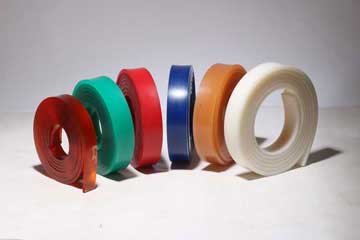
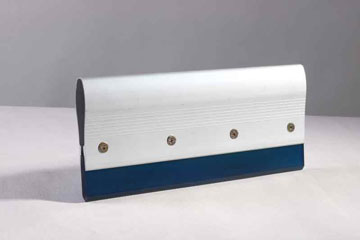
The squeegee controls how ink moves through the stencil. Blade hardness, edge condition, angle, and pressure affect the result.
Durometer describes blade hardness. A harder blade does not automatically produce a better print; the choice depends on the ink deposit and detail required. Excessive pressure or blade bending can increase dot gain and reduce detail. Avient’s screen printing technique guide discusses these relationships.
When comparing squeegees, ask for the durometer, blade profile, dimensions, and chemical compatibility. Include blade inspection and replacement in your maintenance plan.
6. Printing Substrates
The substrate is the material receiving the print. Before approving supplies, identify the actual surface rather than relying only on a broad description such as “fabric.”
For garments, record:
- Fiber composition.
- Garment color.
- Surface texture.
- Any coating or finish.
- Heat sensitivity.
- Required wash performance.
Garment construction affects print appearance. For example, fibers rising through the ink can create a rough surface known as fibrillation. Fabric handling and printing pressure can contribute to this issue. Avient’s technique guide explains garment selection and fibrillation.
Test on the actual production substrate whenever possible.
7. Cleaning and Screen Reclaiming Supplies
Cleaning products perform different jobs:
- Degreaser: prepares mesh before stencil coating.
- Ink cleaner: removes compatible ink residues.
- Emulsion remover: removes the stencil during reclaiming.
- Haze remover: addresses certain remaining stains when needed.
Select products as a compatible system and follow their handling instructions. Vastex’s materials overview distinguishes these functions.
How to Buy Screen Printing Materials Without Compatibility Problems
Use this purchasing sequence:
- Define the job. Identify the substrate, artwork, colors, quantity, and finish.
- Choose the ink. Confirm substrate compatibility and curing requirements.
- Match the screen and stencil. Check mesh recommendations and chemical resistance.
- Confirm equipment suitability. Verify that your exposure and curing setup can process the selected materials.
- Approve a trial. Evaluate print appearance and durability before ordering in bulk.
Keep a record of approved product codes and process settings. This gives repeat orders a clear reference and helps suppliers investigate changes.
For a useful quotation, send your supplier the substrate details, design size, ink system, required screen dimensions, mesh specification, and order quantity.
Frequently Asked Questions About Screen Printing Materials
What is the difference between screen printing materials and equipment?
Materials are the supplies used to create, print, and clean the image, such as ink and emulsion. Equipment includes machines and fixtures such as presses, exposure units, and dryers. Reusable tools, including screens and squeegees, are often sold alongside supplies.
What screen printing materials should beginners buy first?
Start with a complete material system for one simple job. A one-color design reduces the number of variables you need to manage. Confirm that the ink, stencil, screen, substrate, and curing method work together before expanding your inventory.
What is the best mesh count for screen printing?
There is no single best mesh count for every application. Select it for your ink, design detail, and required deposit, then verify the result with a test print.
Can I use the same supplies for every printing job?
Do not assume supplies are interchangeable. A change in substrate or ink may require a different mesh, stencil, cleaner, or curing process. Recheck compatibility whenever the job changes.
What should I ask a screen printing materials supplier?
Ask for complete specifications, technical data sheets, sample availability, packaging sizes, storage requirements, lead times, and batch identification. Give the supplier enough job information to recommend a compatible combination.
Pre:Why buying the right tensiometer for sale changes your quality control game
Next:none
Tags: